
Crash guides
Crash game connection issues: check the recorded state
A practical phone checklist for a frozen multiplier, lost connection or unconfirmed cash-out request.
Rohan Verma · Updated · 3 min read
Identify the stage of the problem
A file that will not download, an APK that will not install and a game screen that stops updating are different problems. If the app is already open, note whether the issue occurred before a round, during the multiplier climb or while reading a completed result. Use the Android troubleshooting guide for file and installation errors; keep round-state questions separate.
Do not use a frozen counter as a result
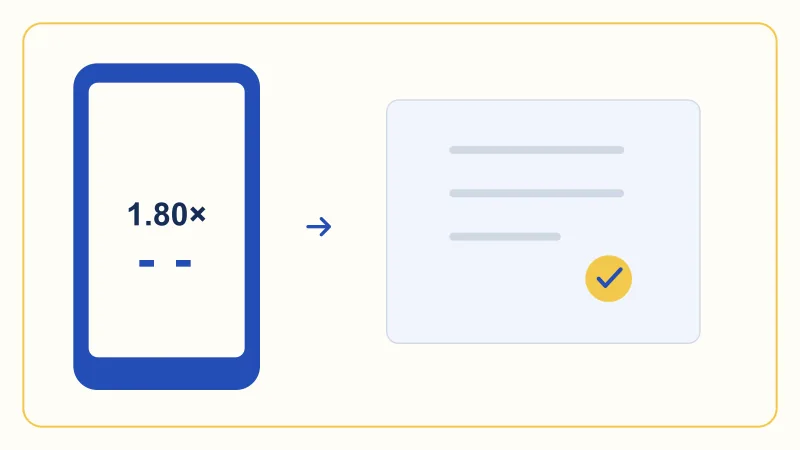
A counter stopped at 1.80× may show the last value your phone received. It does not by itself establish where the round ended or whether an action was accepted. Avoid interpreting a still image as a settled result. Check the product’s confirmation and recorded round state once a connection is available, following the provider’s documented recovery steps.
- Last display
- Reconnect
- Check the recorded status
Make one clear record
Note the exact message, round identifier if shown, app version, phone model, Android version, time and timezone. Include whether you were on mobile data or Wi-Fi and what happened just before the interruption. Keep the action label separate from the response message. A concise record is more useful than a claim based only on the last animated number.
Check the connection without changing the story
Confirm whether other ordinary pages load and whether the phone reports a network problem. Do not assume that switching networks changes an already accepted game action. Repeatedly refreshing or pressing a control can make the sequence harder to describe. Read the installed product’s reconnect policy and recorded state before taking another round action.
Protect access when troubleshooting
An account issue is not automatically a reason to clear app data or uninstall. Those steps can remove local information or make sign-in harder. Keep a way to recover access and use provider guidance for account matters. Never send passwords, OTPs or payment PINs to a contact offering a repair. This website cannot inspect or restore a private account.
Escalate the right question
For an unresolved round, ask the verified product contact to explain the recorded state and the applicable interruption rule. For a website layout issue, keep the page address, language and browser details instead. The blank checklist in the help centre copies information locally; it does not send a support ticket. File identity, network delivery and game settlement require different checks.
Separate a frozen display from a failed action
A phone showing 1.80× without movement only proves what was last visible on that device. It does not establish the final crash point or whether a request reached the game. Record the displayed value and any connection or pending message separately. Once a stable connection is available, compare the same round in the product’s recorded history. The website cannot retry, accept or settle an in-game action for you.
Build one clear incident record
Keep one note containing the local time and time zone, app version, round identifier, exact message, connection type and final recorded status. If you take a screenshot, remove account details that are not needed before sharing it through verified support. Preserve existing records before reinstalling or clearing app data, since those actions can remove useful local information. Never include passwords, OTPs or payment PINs. A structured report helps separate the visible symptom from the event the product actually recorded.
| Symptom | Next check | Keep |
|---|---|---|
| Frozen multiplier | Connection message and recorded round | Last visible value and exact time. |
| Unavailable control | Round stage and participation status | Message beside the control. |
| Pending action | Acknowledgement and final action record | Round ID and request message. |
| Missing history | Account, filters and time zone | Expected round and selected view. |
 Rohan Verma
Android downloads & troubleshooting
Covers APK file details, Android installation, version checks and practical update troubleshooting.
Common questions
Will reinstalling reverse a missed cash out?
Reinstalling does not establish or reverse a recorded action. Consult the product’s rules and verified support.
Can this website inspect my round?
No. Use a verified in-app contact for private account and round records.