
Master Crash · Getting started
Get started with Master Crash
 Aarav Sharma · Updated
Open the app’s rules, learn the controls and check what happens if your connection drops.
Version 1.0 · 58.8 MB · Android 5.0+ · Install guide & SHA-256


Master Crash
Player guide
Game concepts, at a glance
Illustrations for context; these are not verified screenshots of the supplied APK.
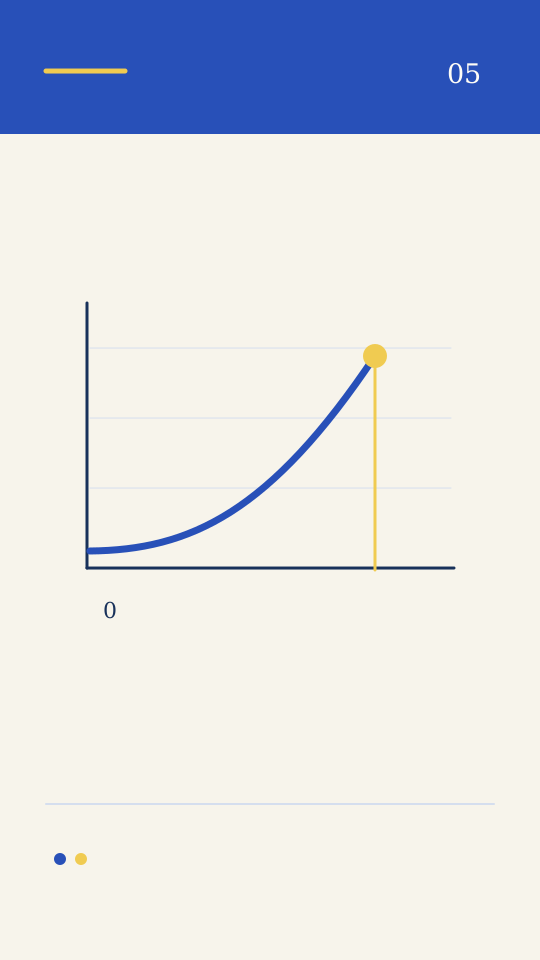
Read the screen.<br>Understand the choices.
- Find the product rules. After opening the app, look for its rules or help information. Confirm what the available mode does, when a round starts and ends, and which actions are available.
- Understand each control. Read button labels and any confirmation prompts before tapping. Check whether an action can be cancelled and what happens if the connection is interrupted.
- Check values and outcomes. Understand what each displayed value represents. Do not treat an illustration, previous result or third-party prediction as a promise about a future result.
- Pause when you are unsure. If the rules, app identity or outcome are unclear, stop and check the product’s own documentation. Use the help centre for installation and connection issues.
- Read a screen in three layers. First identify what is information: a displayed value, history or status. Then identify what is an action: a control you can use. Finally identify confirmation: the message or record showing that an action was accepted. These layers can look similar, but they answer different questions. A visual change alone may not establish that an action completed.
- Connect the explanation to your version. Before applying any guide, compare the labels and rules with the app you have installed. If a feature or control is absent, do not assume it is hidden or enabled elsewhere. Use the guide as a set of questions to resolve, then rely on the version-specific product documentation for the answer.
Modes, limits and fairness
Game modes
Check the mode name, number of players, turn order and the rules available in that mode. Do not transfer rules from another game with a similar name.
Stakes and timers
If the app displays an entry amount, fee or timer, check its unit, limits and when a choice becomes final.
Fairness information
Look for product-specific methodology and independent evidence. A logo, image or “fair” label alone is not verification.
Before using a control
- Availability · The modes and features actually shown in your version
- Values & limits · Minimums, maximums and any charges disclosed in the app
- Timing · When an action opens, closes and becomes final
- Connection · What the product says happens during a network interruption
- Fairness information · Published methodology or audit evidence, if the product provides it
Stakes and timers
If the app displays an entry amount, fee or timer, check its unit, limits and when a choice becomes final.
Fairness information
Look for product-specific methodology and independent evidence. A logo, image or “fair” label alone is not verification.
Common mistakes to avoid
- Treating a marketing image as a live product screen.
- Assuming a feature from another app is available here.
- Removing an existing installation before protecting recovery details.
- Taking a past result or prediction as a guarantee.
Understand the terms you may see
- Multiplier
- A factor used to calculate a displayed amount. Check what the number represents in your app.
- Cash out
- In crash-style games, an action that ends participation in a round at an accepted value. Timing and acceptance rules depend on the product.
- Auto cash-out
- A preselected condition offered by some products. Check whether it exists and how connection interruptions are handled.
- Round history
- A record of past rounds. Past outcomes do not establish what the next result will be.
- Verification / seed
- Technical data used by some systems to check past outcomes. An illustration or label alone is not proof of an audited system.
- Limit
- A time, spending, loss or session boundary. Check which limits your product actually supports.
Need a quick answer?
Does this page explain the exact game rules?
Not yet. Confirmed product rules and real screenshots are needed before a version-specific gameplay guide can be published.
Is there a web demo?
No. The confirmed distribution format for this website is an Android APK.
Do the illustrations show a real round?
No. They are brand illustrations and should not be read as game screens or evidence of an outcome.