

Master Crash
Download Master Crash APK
Get the Android package, check its file details and follow the installation guide.
 Rohan Verma · Updated

App information
Identify the supplied file before installing or comparing an update. The inspection date below is not a claimed product-release date.
| App version | 1.0 |
|---|---|
| File size | 58.8 MB |
| File checked | 8 October 2026 |
| Android requirement | 5.0+ (API 21) |
| File format | Android APK |
| Package name | com.teenpattivexora.qeltrionyx |
| File fingerprint (SHA-256) | b405f991e555fd1467cff3ac887a0ef9a56d514d9b79fd043d6e5edbb34e579a |
| Publisher | Awaiting publisher confirmation |

On a computer?
Scan with an Android phone to open the Master Crash APK download directly. The file is 58.8 MB.
A look at game and setup concepts
Illustrative artwork, not verified screenshots of the app.
Before you download
- Android 5.0 or above
- 58.8 MB download, plus space to install
- A stable mobile-data or Wi-Fi connection
Installation, step by step.
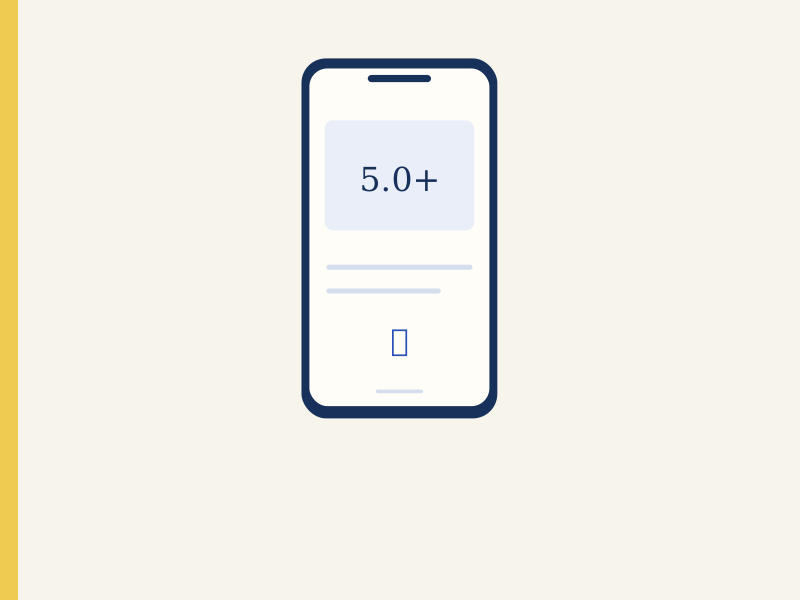
Check Android and storage
Open your phone’s Settings and look for About phone or Android version. This file needs Android 5.0 or above. Keep room for the 58.8 MB download and additional installation space.
Download the APK
Use Download APK and wait until the transfer finishes. On mobile data, check your remaining allowance first. Find the downloaded APK in your browser’s Downloads or the Files app. Open the completed file and review Android’s installation and permission prompts. Menu names vary by phone. Keep Play Protect enabled and read any warning before deciding whether to continue.
Open and check the app
Read the installed app’s privacy notice, terms and rules. If a screen or rule is unclear, use the help shown in the app before continuing.
Release record
- Version 1.0
The supplied Master Crash APK reports app version 1.0, version code 1 and Android API 21 as its minimum. The original filename and package identity are retained. Product changes and an official release date have not been provided.
Install problems
Why does the filename say TeenPattiMaster?
The download retains the publisher’s original filename and package identity. The site has not renamed or modified the package.
Where can I check the app version?
The app version is 1.0, as reported by the APK manifest. You can compare it with the version shown in your installed app.
Should I uninstall before updating?
Do not remove an existing installation just to force an update. First check the app identity and compatibility, and preserve any account recovery details. If Android rejects the update, review the error before continuing.
“There was a problem parsing the package”.
Check Android 5.0 or above and whether the download completed. Compare the filename and size, then retry from this page on a stable connection. Keep the exact message if the problem continues.
The download did not finish. What should I do?
Check your connection and available storage, then retry the download from the Download page. Do not open an incomplete file.
Android says “App not installed”.
Check your Android version and available storage. Note the exact error and whether an existing app is already installed. Avoid deleting app data or uninstalling until you understand the cause.
Android displays a security warning.
Read the warning and check the source of the file. Keep Play Protect enabled. Do not bypass a warning just to complete the installation.